



Krisp Review: Features, Pricing, and Performance for Noise-Free Meetings
In the world of remote work and virtual collaboration, audio quality plays a crucial role in ensuring effective communication. Background noise, echo, and inconsistent sound levels can disrupt meetings and reduce productivity. Krisp has gained recognition as a leading AI-powered tool designed to eliminate these issues. By combining noise cancellation with advanced AI meeting features, Krisp aims to deliver clearer, more professional online conversations.
For professionals exploring its capabilities, this Krisp Review provides a detailed look at its features, pricing, and performance. Krisp is more than just a noise cancellation tool—it also includes transcription, summaries, and integrations that enhance meeting efficiency. Understanding how these features work together helps users determine whether Krisp is the right solution for their communication needs.
Key Features of Krisp
Krisp offers a range of AI-powered features that go beyond basic audio enhancement.
AI Noise Cancellation
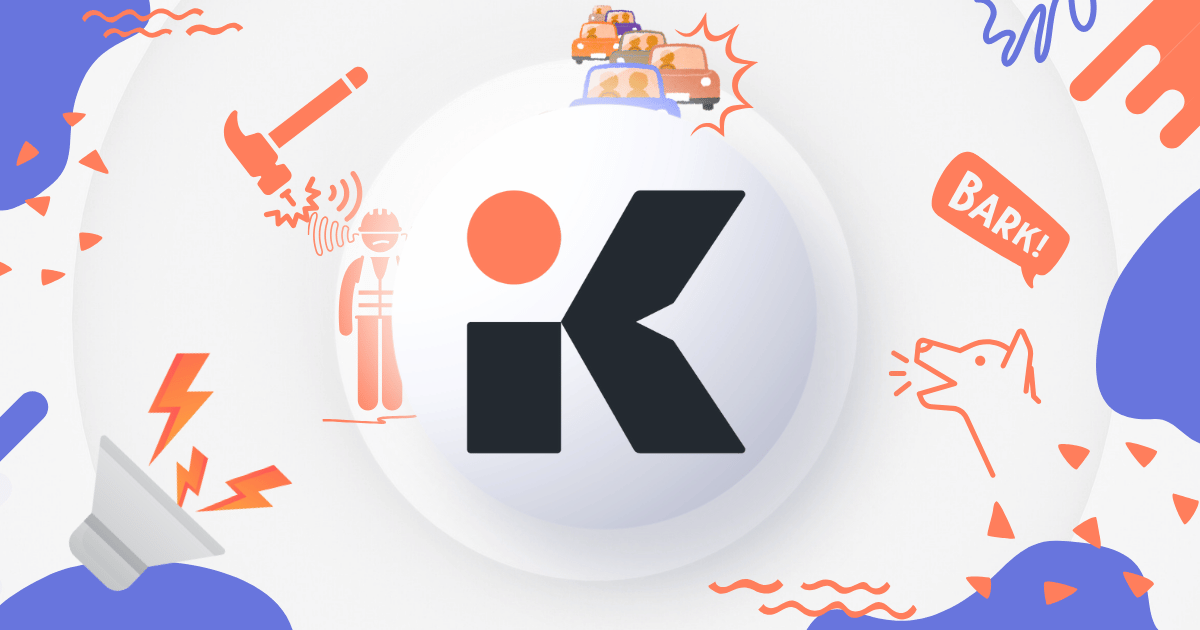
The standout feature of Krisp is its ability to remove background noise in real time. It filters out sounds such as typing, traffic, and other environmental distractions while preserving the clarity of human speech. This feature works for both microphone input and speaker output, ensuring that both sides of a conversation remain clear. According to user reviews, Krisp is highly effective at eliminating common background noises and improving overall call quality.
Echo Removal and Voice Enhancement
Krisp also reduces echo and balances voice levels during meetings. This ensures that participants can hear each other clearly, even in challenging acoustic environments. Features like voice enhancement and volume leveling help create a more consistent and professional audio experience.
AI Transcription and Summaries
In addition to noise cancellation, Krisp includes AI meeting assistant capabilities. It can transcribe meetings in real time and generate summaries with key points and action items. These features allow users to capture important details without manual note-taking, improving productivity and follow-up efficiency.
Cross-Platform Compatibility
Krisp works as a virtual microphone and speaker, making it compatible with a wide range of communication platforms such as Zoom, Microsoft Teams, Google Meet, and Slack. This flexibility ensures that users can maintain high audio quality regardless of the platform they use.
Integrations and Workflow Support
The platform integrates with productivity and CRM tools like HubSpot, Salesforce, and Zapier. These integrations allow meeting insights to flow into existing workflows, reducing manual data entry and improving team collaboration.
Pricing Plans
Krisp offers multiple pricing tiers designed to meet the needs of individuals, teams, and enterprises.
Free Plan
The free plan provides basic functionality, including limited daily noise cancellation (typically around 60 minutes), transcription, and a small number of AI-generated summaries. This plan is ideal for occasional users who want to test the platform.
Pro Plan
The Pro plan, priced around $8–$16 per month depending on billing, includes unlimited noise cancellation, transcription, summaries, and meeting history. It also offers additional storage and advanced features, making it suitable for professionals and small teams.
Business Plan
The Business plan is designed for growing teams and includes advanced features such as team management, integrations, and increased storage. Pricing typically ranges from $15–$30 per user per month.
Enterprise Plan
For large organizations, Krisp offers enterprise-level solutions with custom pricing. These plans include advanced security controls, dedicated support, and compliance features such as SOC 2 certification.
Performance and Reliability
Krisp performs exceptionally well in most real-world scenarios, particularly in environments with consistent background noise. Its AI engine processes audio in real time, ensuring minimal latency and natural conversation flow. Many users highlight its ability to significantly improve call clarity, especially in remote or noisy work settings.
However, some reviews note occasional limitations. In extremely noisy environments, the software may struggle to filter all unwanted sounds. Additionally, certain users have reported issues such as app crashes or inconsistent transcription results, which can impact reliability in critical meetings.
Pros and Cons
Pros
- Highly effective AI noise cancellation
- Real-time transcription and meeting summaries
- Wide compatibility with communication tools
- Easy setup and user-friendly interface
- Flexible pricing options for different user types
Cons
- Free plan has usage limitations
- Occasional performance issues or bugs reported
- May require system resources on older devices
- Advanced features locked behind paid plans
Use Cases
Krisp is suitable for a wide range of users and industries:
- Remote Workers: Ensures clear communication during virtual meetings
- Customer Support Teams: Improves call quality for client interactions
- Educators and Trainers: Enhances clarity in online classes and webinars
- Content Creators: Provides cleaner audio for recordings and interviews
Conclusion
Krisp stands out as a powerful AI-driven solution for improving audio quality in online meetings. Its combination of noise cancellation, transcription, and productivity features makes it a versatile tool for individuals and organizations alike. While it may have some limitations in extreme conditions or occasional reliability issues, its overall performance and ease of use make it a valuable addition to modern workflows.
For those seeking clearer, distraction-free communication, this Krisp Review highlights why the platform remains a strong contender in the AI meeting assistant space, offering both enhanced audio quality and productivity benefits.

